
Basic App Navigation
Endcrawl Home
Project List
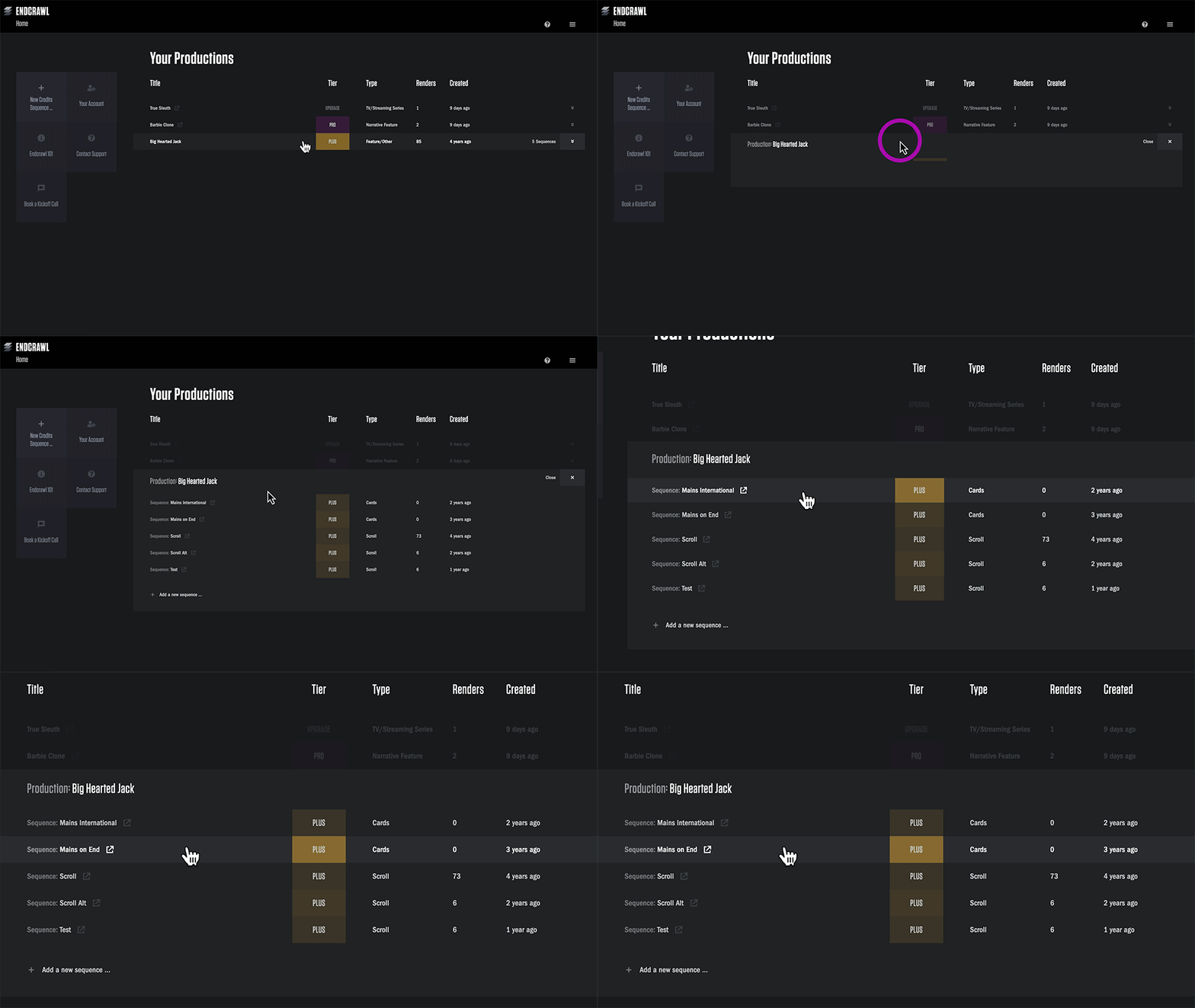
On the right, you'll see a list of all of your Endcrawl projects. Click on the name of the project to dive right in.
If a project has multiple sequences—for example, scroll and cards, or alternate versions—clicking will unfold that list. Click on the sequence that you want to work on.
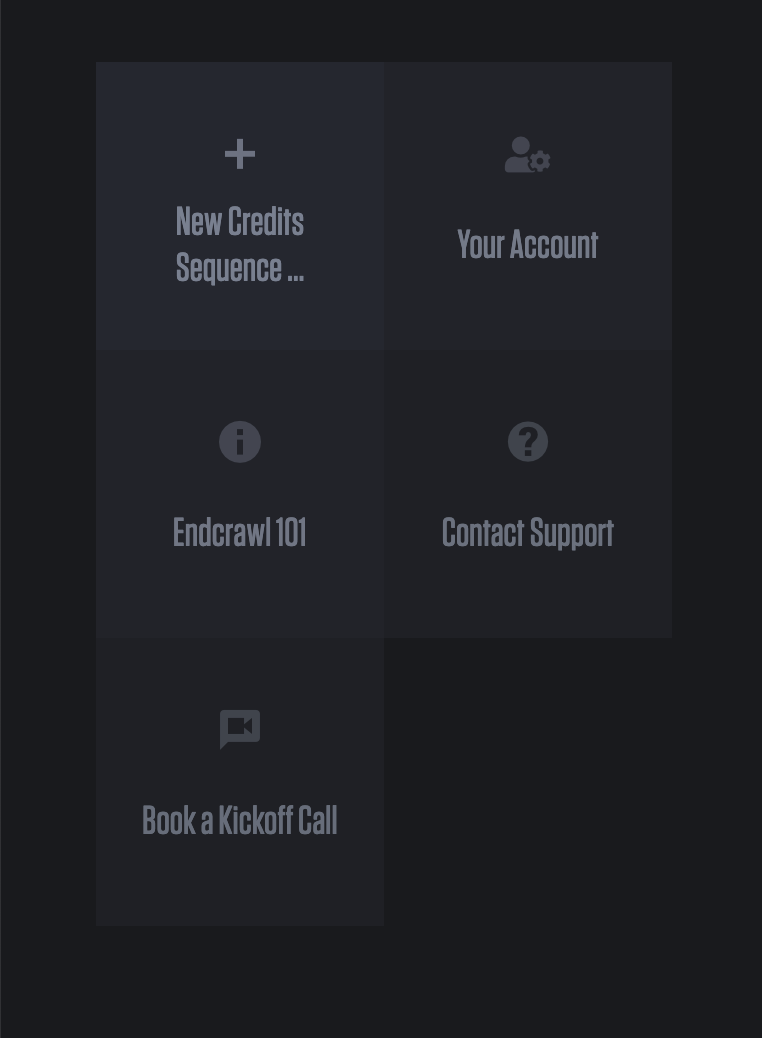
Quick Actions
|
The tiles to your left provide access to common actions like:
|
|
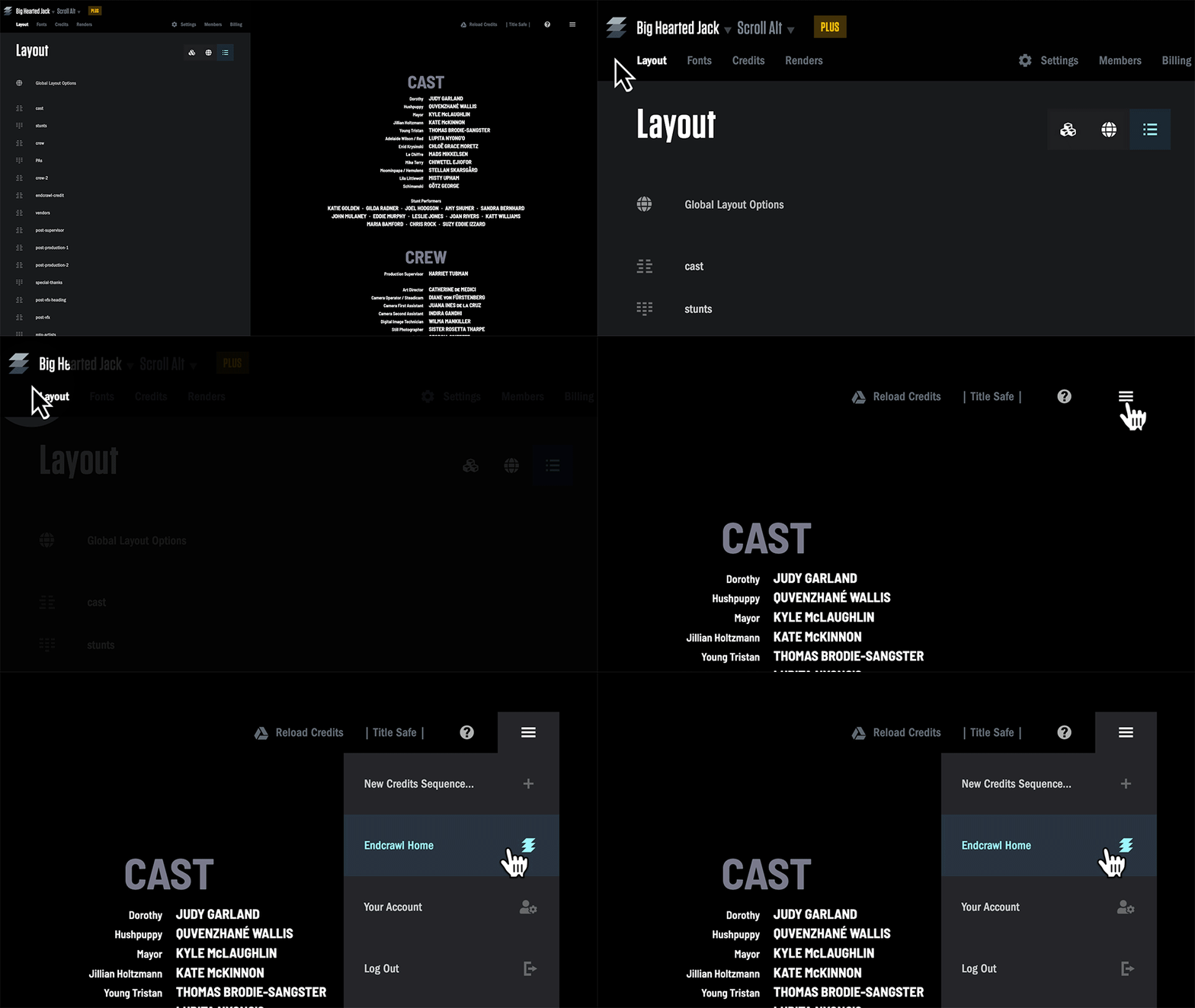
How to jump to the Home Page from anywhere
To jump back to the Endcrawl home page, you can click the Endcrawl Logo in the top left. Or, click the Hamburger Menu in the top right, and select "Endcrawl Home".
Project Nav

In the top left, you'll see your project name (Big Hearted Jack) and sequence name (Scroll).
These both double as drop-down menus. Click on the project name to navigate to your other Endcrawl projects. Click on the Sequence name to jump to other sequences in this project.
Main Sections
Layout
The Layout tab is where you set things like text alignment or the number of columns in your Special Thanks.
This article goes into more depth on the individual layout controls.
Fonts
The Fonts tab is where you adjust your fonts and typography, and dial in the perfect look for your titles.
This article goes into greater detail on font controls.
Credits
The Credits tab is for data entry.
Endcrawl integrates with Google Sheets. Each Endcrawl sequence has a unique Google Sheet connected, and can sync up with your Endcrawl project at the click of a button. Important: this is not where you manage things like fonts and layout.
Read this article for more details on working with Google Sheets in Endcrawl.
Settings
The Settings tab manages your tech specs (like aspect ratio and resolution), TRT, and more.
Read these articles for further detail.
Members
The Members tab lets you add and remove project members.
Endcrawl does not charge per user—so you're free to add all of your stakeholders. You can give read-only access to folks like your post house, so they can safely download final renders.
Start here for more info on project members and permissions.
Billing
The Billing tab is where you can generate and manage your invoice, or apply a volume license if you have one of those with us.
For more information on billing, please see this section.